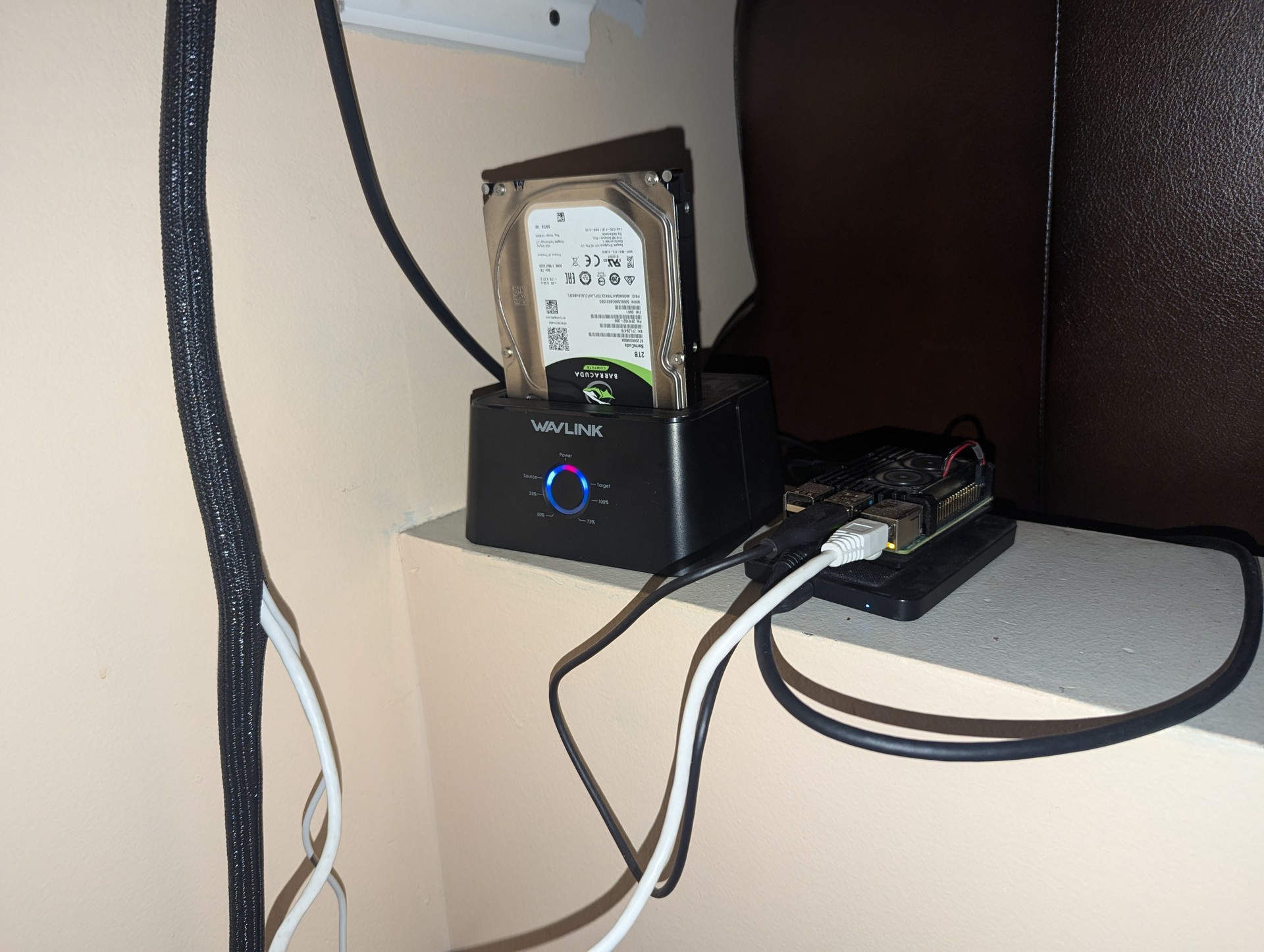
This Raspberry Pi 4 is a remote server that I setup at my mom house. It serves my websites, including this one, and functions as a remote backup. Additionally, it acts as a VPN server, ensuring secure and reliable access to my remote network.
Its compact and efficient design makes it perfect for hosting and maintaining web services while providing robust data storage and VPN solutions.
Raspberry Pi OS
Raspberry Pi 4 8 GB
Setup in 2023*
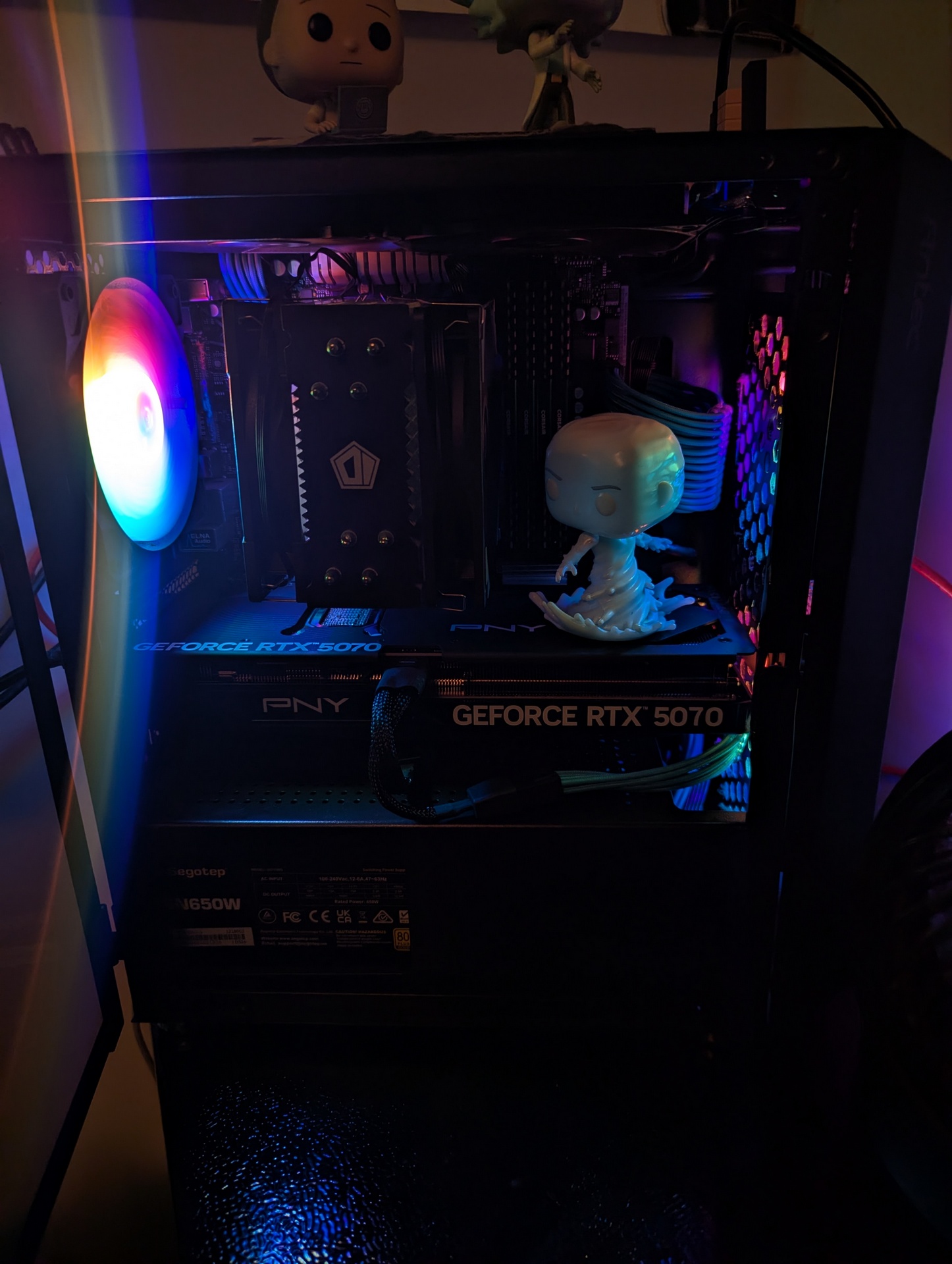
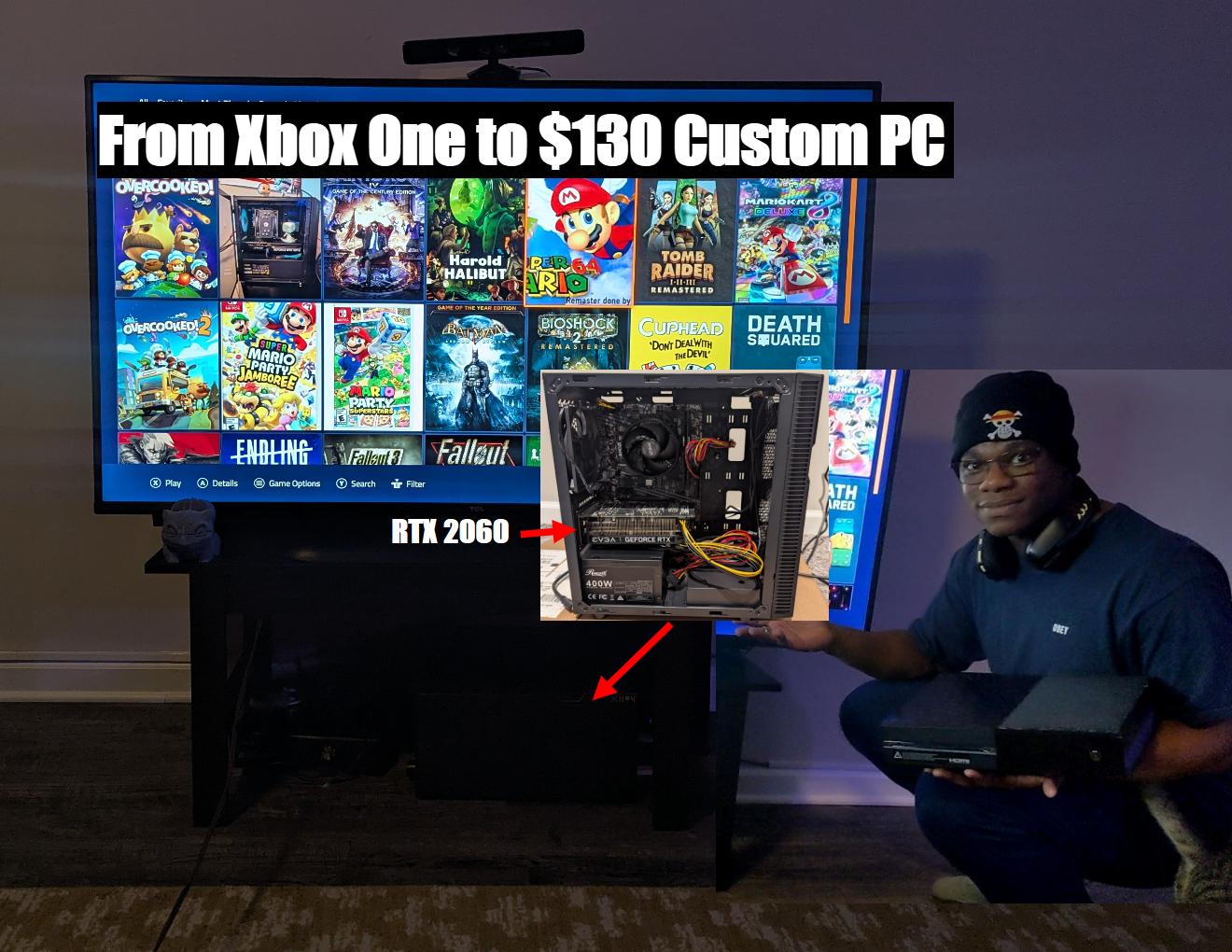
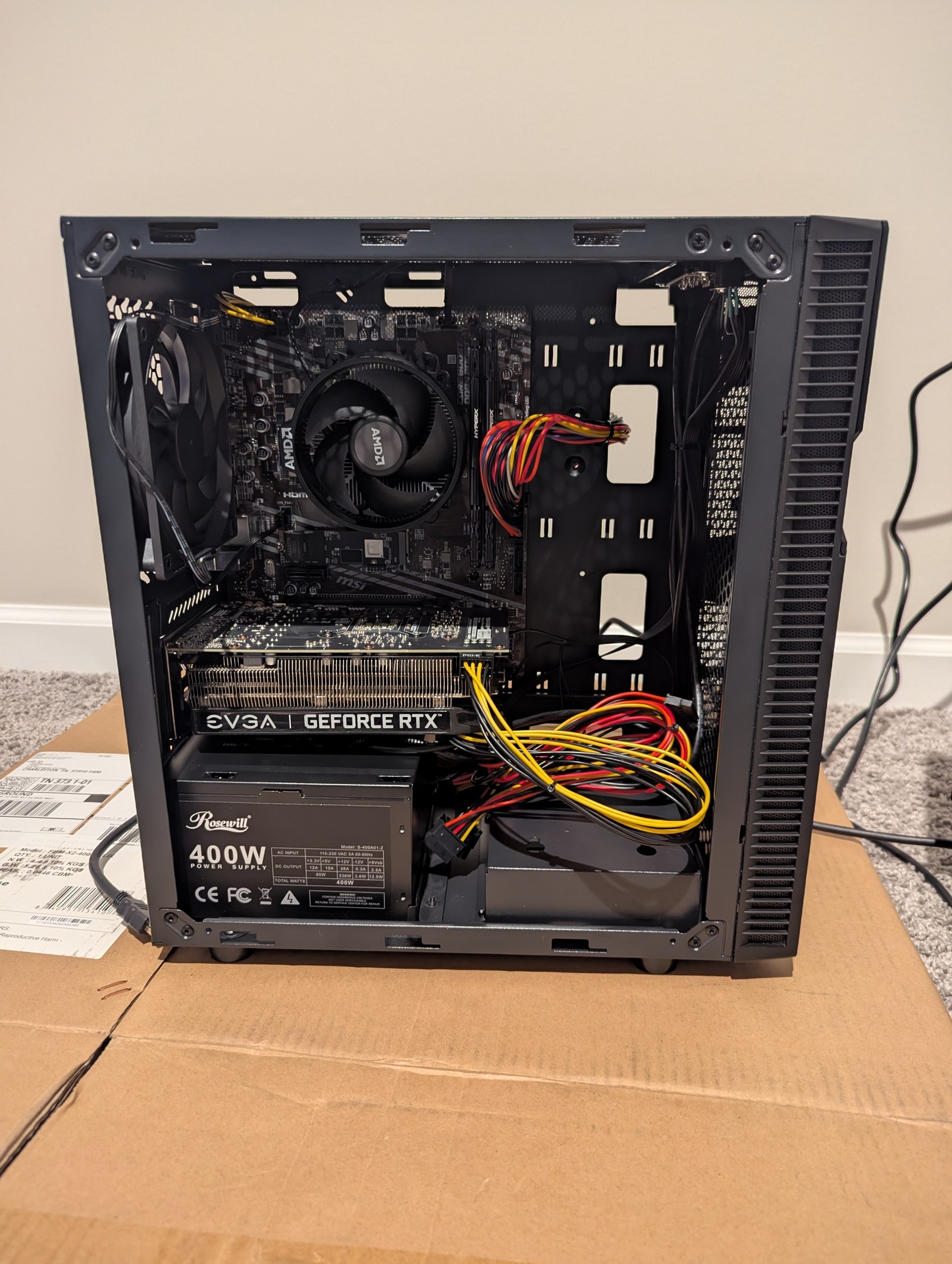
This is my main PC, which I built with new components in 2020. It functions as my primary workstation for both professional tasks and gaming.
Windows
Ryzen 7 5700x 8-core, 16-thread
RTX5070
32gb ram 3200mhz
Parts
My Proxmox server hosts a TrueNAS VM configured with a pool running in RAID-Z1, using three 2TB HDDs. This setup provides 3.51 TiB of usable storage, with one HDD designated as a hot spare for automatic replacement in case of drive failure.Additionally, I synchronize a section of this pool with my 100GB Google Drive for cloud backup. Moreover, the entire pool is synced to my Raspberry Pi using Syncthing, ensuring redundancy and accessibility across multiple devices.

Three copies of data: I maintain multiple copies of my data. The original resides on the TrueNAS pool, while a synchronized copy exists on TrueNAS server2. Another synchronized copy is stored on my Raspberry Pi and selected backups to google drive.

Two different types of media: Data is stored on HDDs within the TrueNAS pool (one type of media) and also on cloud storage (Google Drive), which serves as a different type of media.
Two off-site copy: Google Drive and the PI Server the acts as the off-site location for my data, protecting against local disasters or hardware failures at my home location.
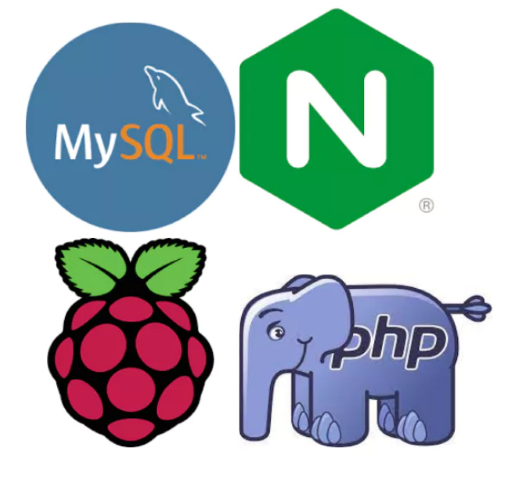
To Create This Website, I Employed The LEMP Software Stack, Which Stands For Linux Operating System, Nginx Web Server, MySQL Database For Backend Data Storage, And PHP For Dynamic Processing. This Combination Ensures A Robust And Efficient Setup For Hosting And Managing The Website.

I host Plex Media Server on my home lab, allowing me to manage and stream my media collection seamlessly to various devices. The server handles all my movies, TV shows, music, and photos, providing easy access and smooth playback anywhere, anytime. This setup ensures that my media is always available and organized, enhancing my entertainment experience.
I host Nextcloud on my home lab to manage and sync files, calendars, contacts, and more across all my devices. This private cloud solution provides secure, reliable access to my data from anywhere, ensuring that I have complete control over my information while benefiting from seamless collaboration and synchronization.

I host Passbolt on my home lab to securely manage and share passwords and other sensitive information. This self-hosted password manager offers robust encryption and easy team collaboration, ensuring that my credentials are safe and accessible only to authorized users.
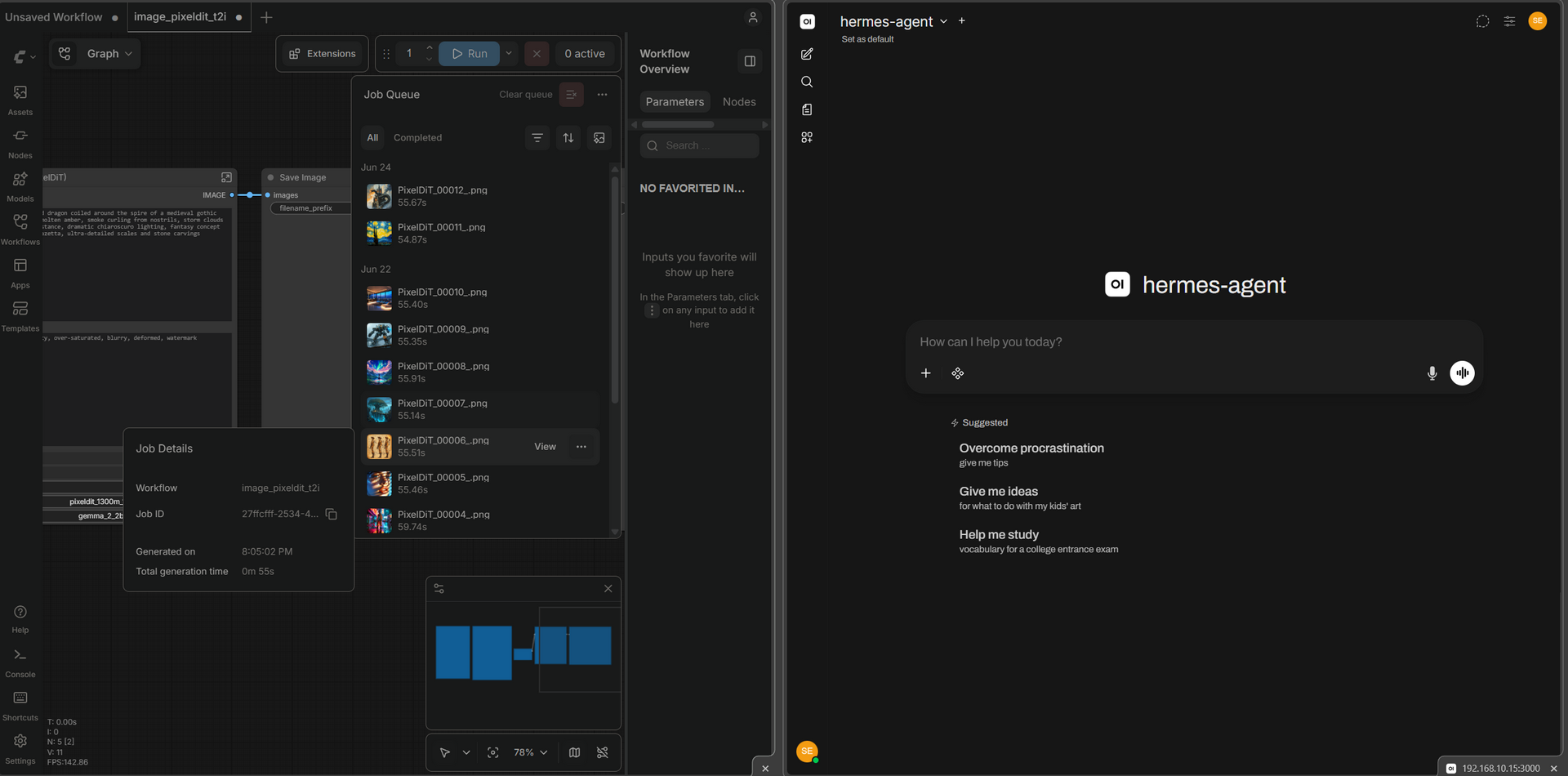
I host Ollama and Comfyui in my home lab, providing local large‑language‑model inference and Stable Diffusion image generation. This lets me experiment with AI‑driven creative workflows without cloud dependency.
Home Assistant automates smart lights, switches, and sensors, turning my house into a fully‑connected smart home.

Running on the backup server (1080 TI GPU),Frigate is a local NVR that uses AI object detection to identify people, cars, and animals for 24/7 recording and event capture. It integrates tightly with Home Assistant via MQTT for real‑time alerts and automated media handling.
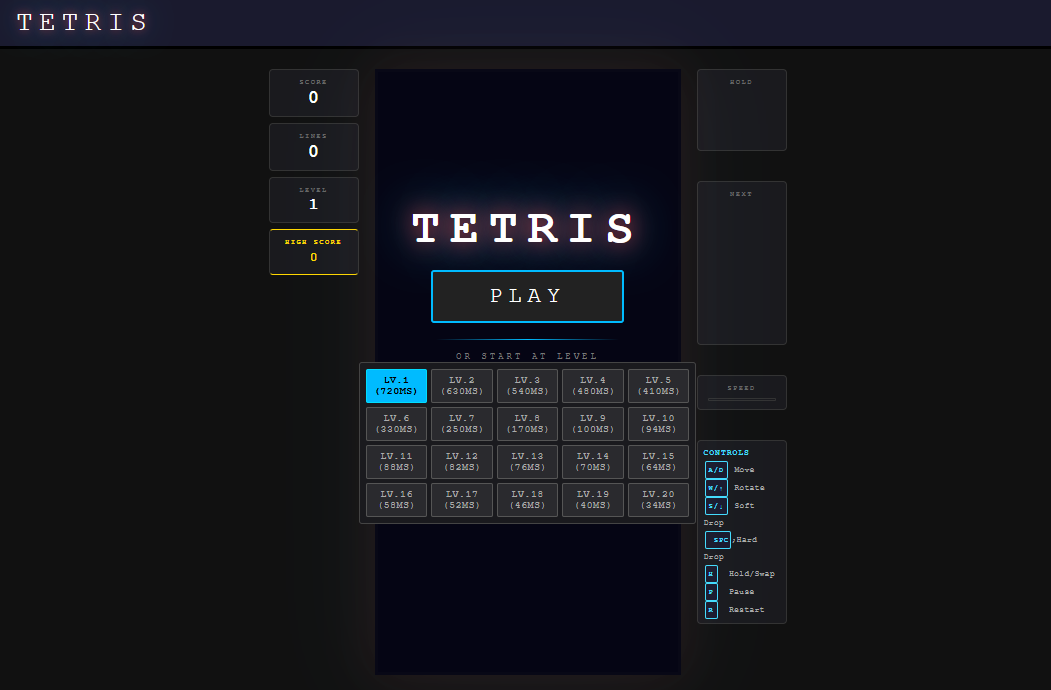
I ran a simple experiment to test agentic ai by building a Tetris clone.
I ran this experiment to validate the viability of local agentic AI using my own home lab resources. Built entirely by Hermes Agent (powered by Qwen 3.6 via Ollama), it demonstrates how a local model can independently take a concept and iterate through code generation, logic implementation, and debugging without relying on external API tokens or cloud infrastructure.
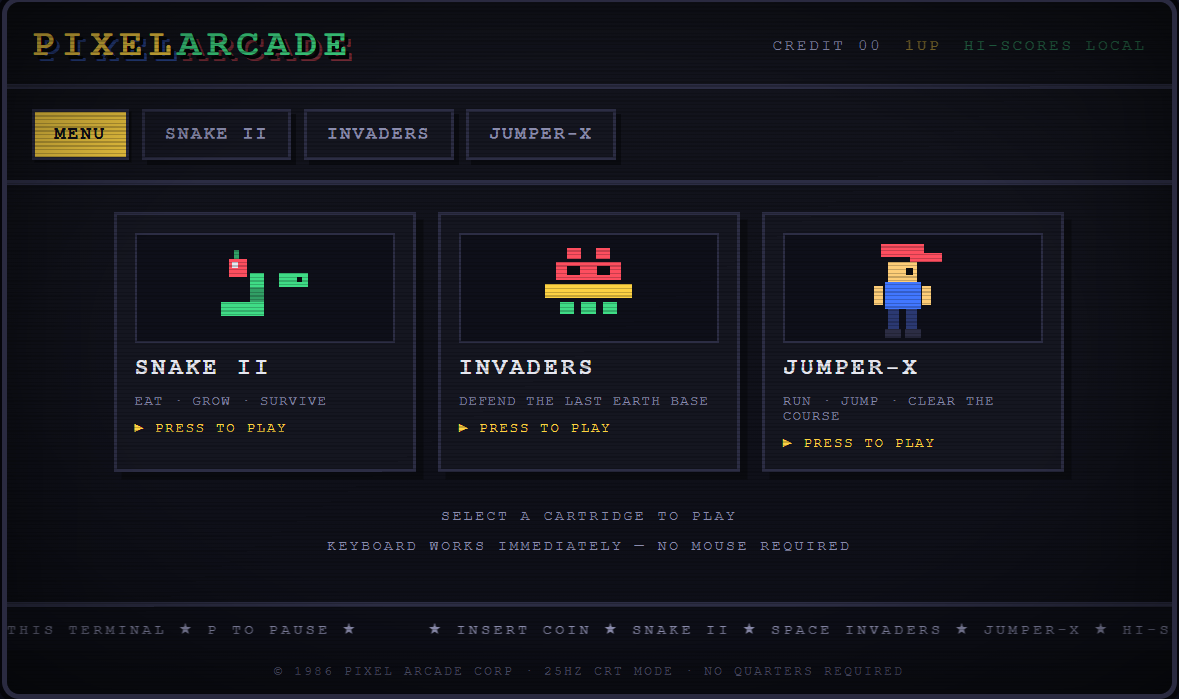
This is the second agentic AI experiment: building a complete retro arcade portal from scratch. PIXELARCADE ships as a single self-contained HTML file — three fully playable canvas games (Snake II, Invaders, and the Jumper-X platformer).
For this round I upgraded Hermes Agent to v0.20.2 and moved the local model to Qwen 3.8 via Ollama. The agent took the concept and independently drove the full loop — game architecture, code generation, logic implementation, a headless test harness to exercise each game's core, and bug-fixing — again running entirely on home lab resources with no external API tokens or cloud infrastructure.