My Home Lab

A home lab is a personal sandbox where I experiment with, deploy, and break IT systems before they ever touch a production environment. It's where I test configurations, validate integrations, and troubleshoot failures safely.

Building my home lab has been the single most impactful part of my growth as an IT Systems Integration Analyst. Beyond sharpening my professional skills, it serves as my personal cloud and my favorite hobby. Every Proxmox cluster, pfSense subnet, TrueNAS replication chain, and Docker pipeline I’m running here feeds directly into how I design infrastructure for the clients I serve. This hands-on experience enhances my skills and keeps me updated with the latest trends and technologies in the field.

I like putting lights and toys in my PCs. 

The SikServer 
Proxmox Cluster

My home lab operates as a unified, fault-tolerant infrastructure powered by Proxmox VE—a distributed high-availability cluster where three distinct physical architectures merge into a single pool of compute and storage resources.

HA (High Availability)
At the core of this setup is true High Availability. Rather than a single point of failure hosting my personal cloud services, virtual machines are configured to live on multiple nodes simultaneously. If SikServer-BLUE suffers a hardware failure, its active workloads automatically lift over to the remaining healthy nodes without requiring manual intervention, keeping all host services running regardless of which individual rig crashes.

ZFS & Storage Architecture
To manage data durability across heterogeneous hardware, I utilize native ZFS storage vdevs. Because Proxmox uses ZFS for block-level storage replication, snapshots and consistent copy files are shared globally across the cluster.

SikServer-BLUE


The daily driver that hosts the main Docker environment and drives all video and image generation workflows


Intel Core i7-11700KF 8-core, 16-thread
Quadro RTX 5000 16 GB
64gb ram 3200mhz
Parts

Built in 2024

SikServer-GOLD


This node is designated to run Proxmox Backup Server (PBS), as well as Frigate NVR and Home Assistant, keeping my smart home ecosystem running seamlessly.

Intel Core i7-10700K 8-core, 16-thread
GeForce GTX 1080 Ti 11 GB
64gb ram 3200mhz
Parts

Built in 2025

SikServer-BLACK


The heavy-lifting workstation that completes the cluster, built specifically for running multiple local Large Language Models (LLMs) and parallel inference experiments.

Intel Core i7-5960X 8-core, 16-thread
Quadro RTX 5000 16 GB + ​Dual GeForce RTX 3060 12GB
48gb ram 3200mhz
Parts

Built in 2026

Networking and power

This is the foundation of my lab, managing all network routing and power redundancy. It ensures high-speed connectivity for my servers and maintains uptime for my critical services.

Gateway: Netgate 2100 running pfSense.
WAN Source: AT&T Fiber/Broadband. 

A dedicated 2.5G Switch serves as the primary uplink for the Proxmox cluster.

A dedicated PoE (Power over Ethernet) Switch manages the network edge, providing power and data to the wireless Access Points and the security camera ecosystem.

 A Reolink Hub manages the security camera array

Uninterruptible Power Supply (UPS): to provide battery backup and surge protection, ensuring the Proxmox nodes and core networking remain stable during power fluctuations or outages.

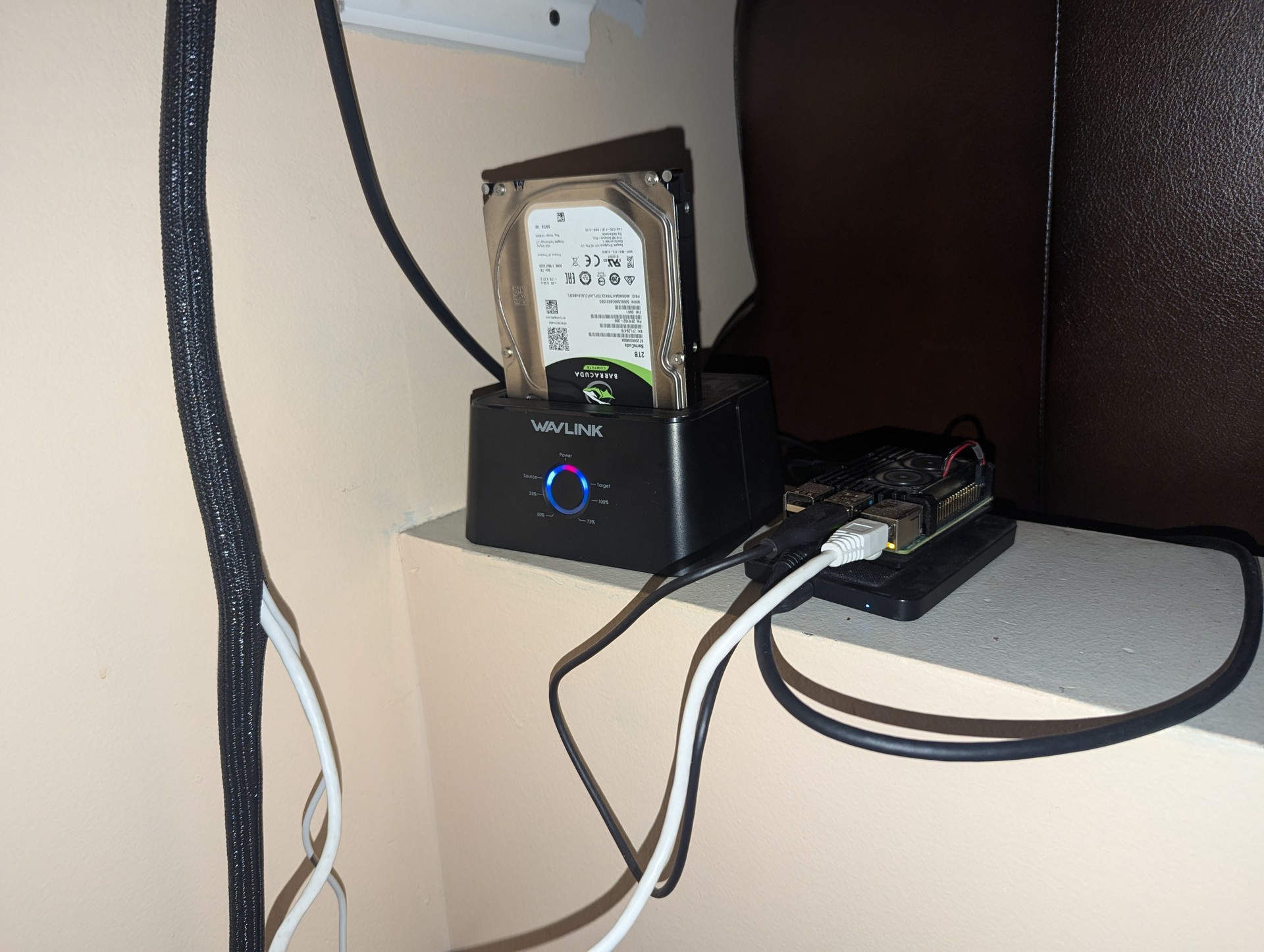
PI Server

This Raspberry Pi 4 is a remote server that I setup at my mom house. It serves my websites, including this one, and functions as a remote backup. Additionally, it acts as a VPN server, ensuring secure and reliable access to my remote network. 

Its compact and efficient design makes it perfect for hosting and maintaining web services while providing robust data storage and VPN solutions.

Raspberry Pi OS
Raspberry Pi 4 8 GB
Setup in 2023*
My Main PC

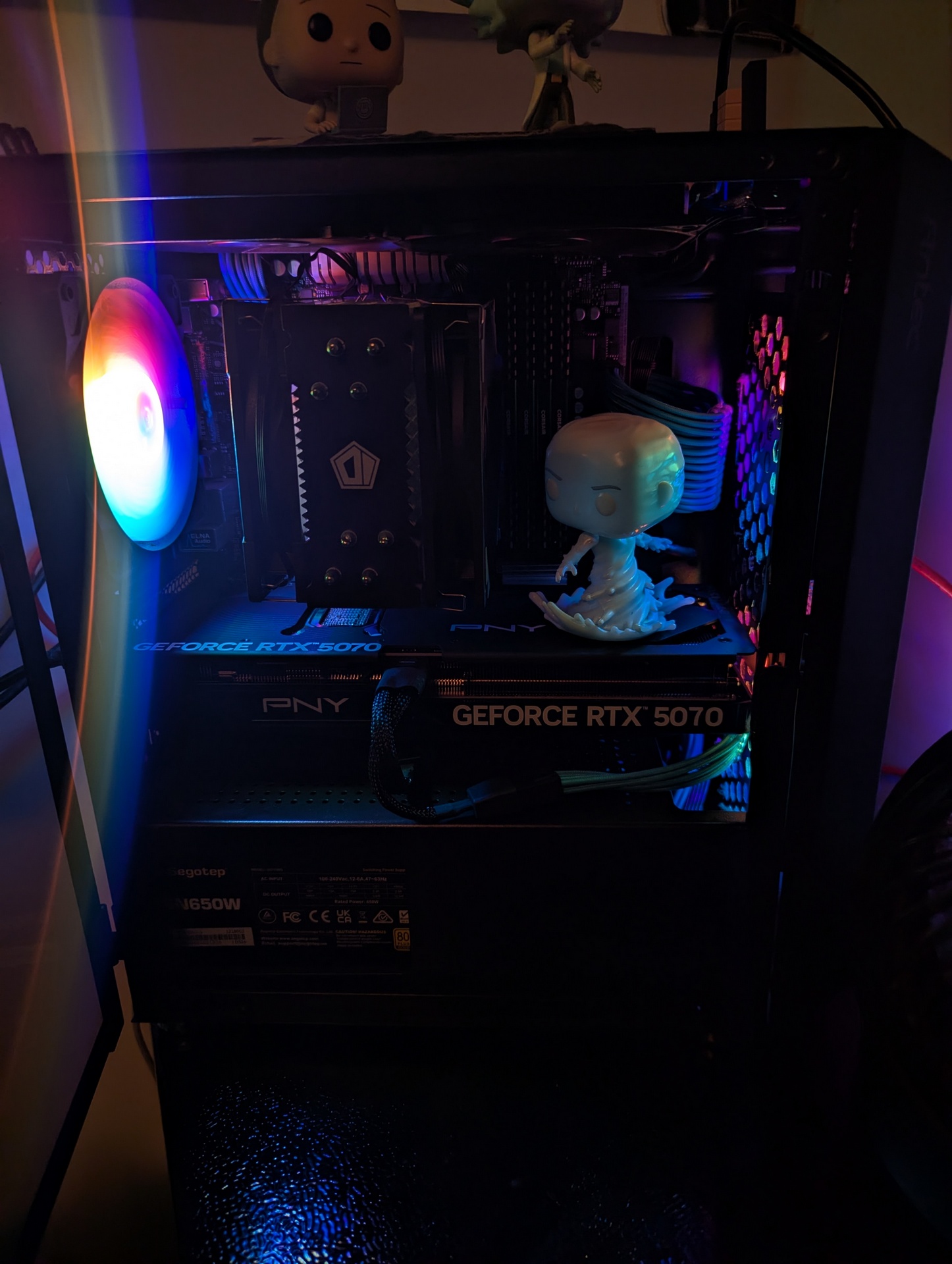
This is my main PC, which I built with new components in 2020. It functions as my primary workstation for both professional tasks and gaming. 

Windows
Ryzen 7 5700x 8-core, 16-thread
RTX5070
32gb ram 3200mhz
Parts

Living Room PC

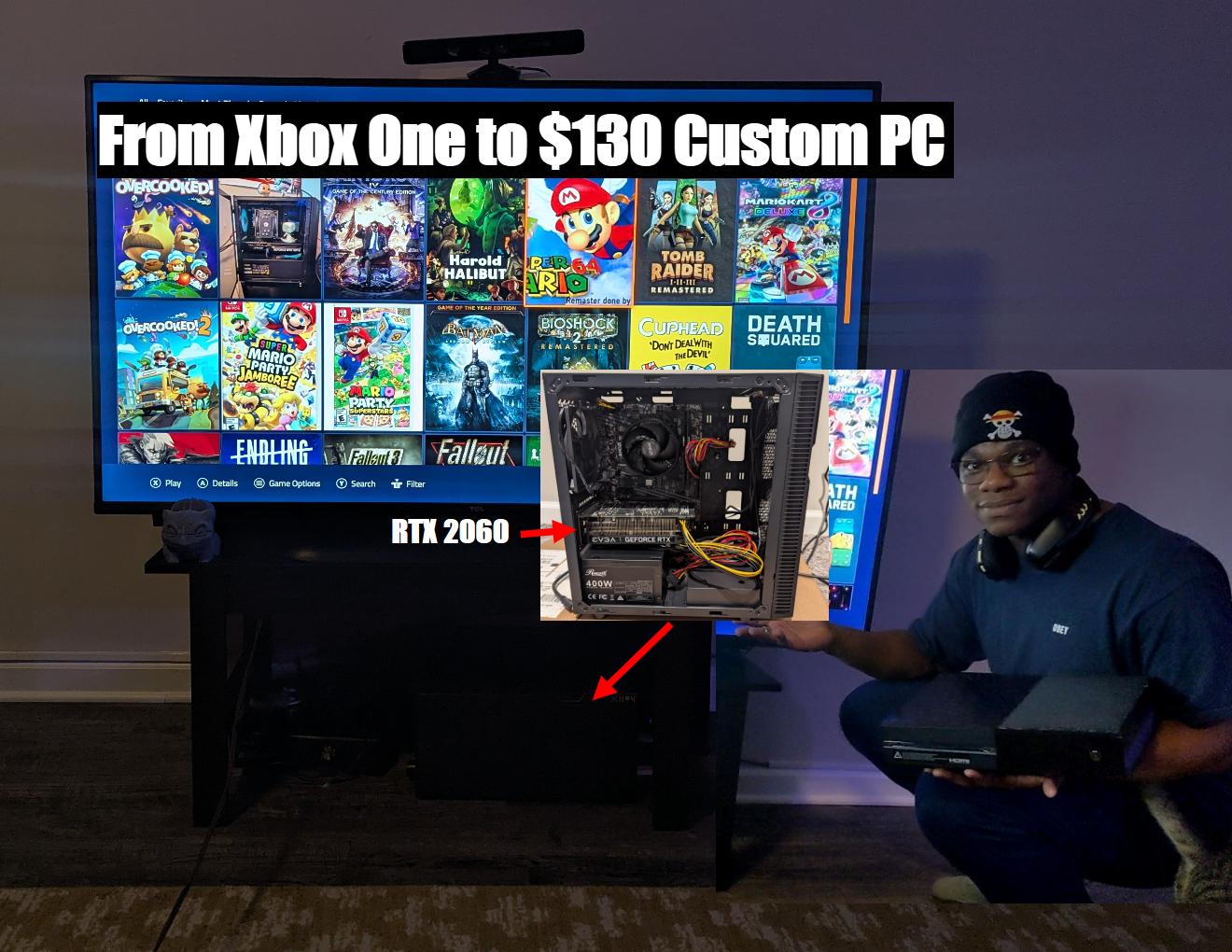
This is my ​​Living Room PC, which I built using used parts in 2026. I built it to replace my Xbox One.
 I made my first video on the building and testing of this PC.

Windows
Ryzen 5 3600  6-core, 12-thread
RTX2060
16gb ram 3200mhz
Parts
Video

Welcome to Sik-Lab! In this video, I’m taking you on a full tour of my Home Lab IT sandbox. I’ll be walking you through my entire home lab setup, covering both the hardware infrastructure and the software stack that powers it all. From virtualization with Proxmox to storage with TrueNAS and networking with Netgate-PFsense+, this is where I experiment, learn, and host my services. Whether you're here for the hardware specs or the software configuration, thanks for joining me in the lab! 

VIDEO

3-2-1

My Proxmox server hosts a TrueNAS VM configured with a pool running in RAID-Z1, using three 2TB HDDs. This setup provides 3.51 TiB of usable storage, with one HDD designated as a hot spare for automatic replacement in case of drive failure.Additionally, I synchronize a section of this pool with my 100GB Google Drive for cloud backup. Moreover, the entire pool is synced to my Raspberry Pi using Syncthing, ensuring redundancy and accessibility across multiple devices.
Three copies of data: I maintain multiple copies of my data. The original resides on the TrueNAS pool, while a synchronized copy exists on ​TrueNAS server2. Another synchronized copy is stored on my Raspberry Pi and selected backups to google drive.
Two different types of media: Data is stored on HDDs within the TrueNAS pool (one type of media) and also on cloud storage (Google Drive), which serves as a different type of media.
Two off-site copy: Google Drive and ​the PI Server the acts as the off-site location for my data, protecting against local disasters or hardware failures at my home location.
Self Hosting

This website

To Create This Website, I Employed The LEMP Software Stack, Which Stands For Linux Operating System, Nginx Web Server, MySQL Database For Backend Data Storage, And PHP For Dynamic Processing. This Combination Ensures A Robust And Efficient Setup For Hosting And Managing The Website.

Plex

I host Plex Media Server on my home lab, allowing me to manage and stream my media collection seamlessly to various devices. The server handles all my movies, TV shows, music, and photos, providing easy access and smooth playback anywhere, anytime. This setup ensures that my media is always available and organized, enhancing my entertainment experience.
Nextcloud

I host Nextcloud on my home lab to manage and sync files, calendars, contacts, and more across all my devices. This private cloud solution provides secure, reliable access to my data from anywhere, ensuring that I have complete control over my information while benefiting from seamless collaboration and synchronization.
Passbolt

I host Passbolt on my home lab to securely manage and share passwords and other sensitive information. This self-hosted password manager offers robust encryption and easy team collaboration, ensuring that my credentials are safe and accessible only to authorized users.
Ollama & Comfyui - Local AI

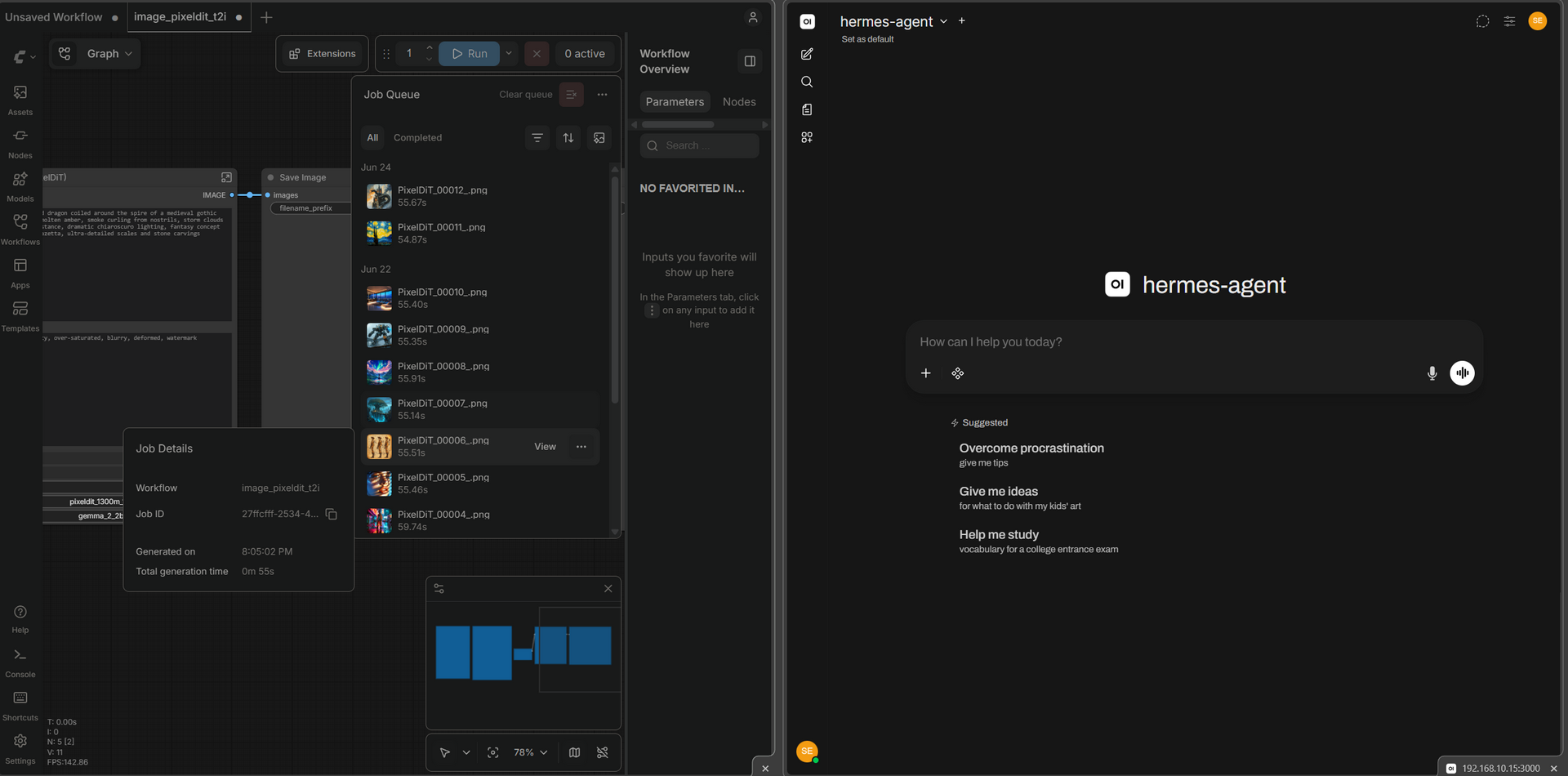
I host Ollama and ​Comfyui in my home lab, providing local large‑language‑model inference and Stable Diffusion image generation. This lets me experiment with AI‑driven creative workflows without cloud dependency.
Home Assistant

Home Assistant automates smart lights, switches, and sensors, turning my house into a fully‑connected smart home.



Frigate

Running on the backup server (1080 TI GPU),Frigate is a local NVR that uses AI object detection to identify people, cars, and animals for 24/7 recording and event capture. It integrates tightly with Home Assistant via MQTT for real‑time alerts and automated media handling.
Customer server Build 

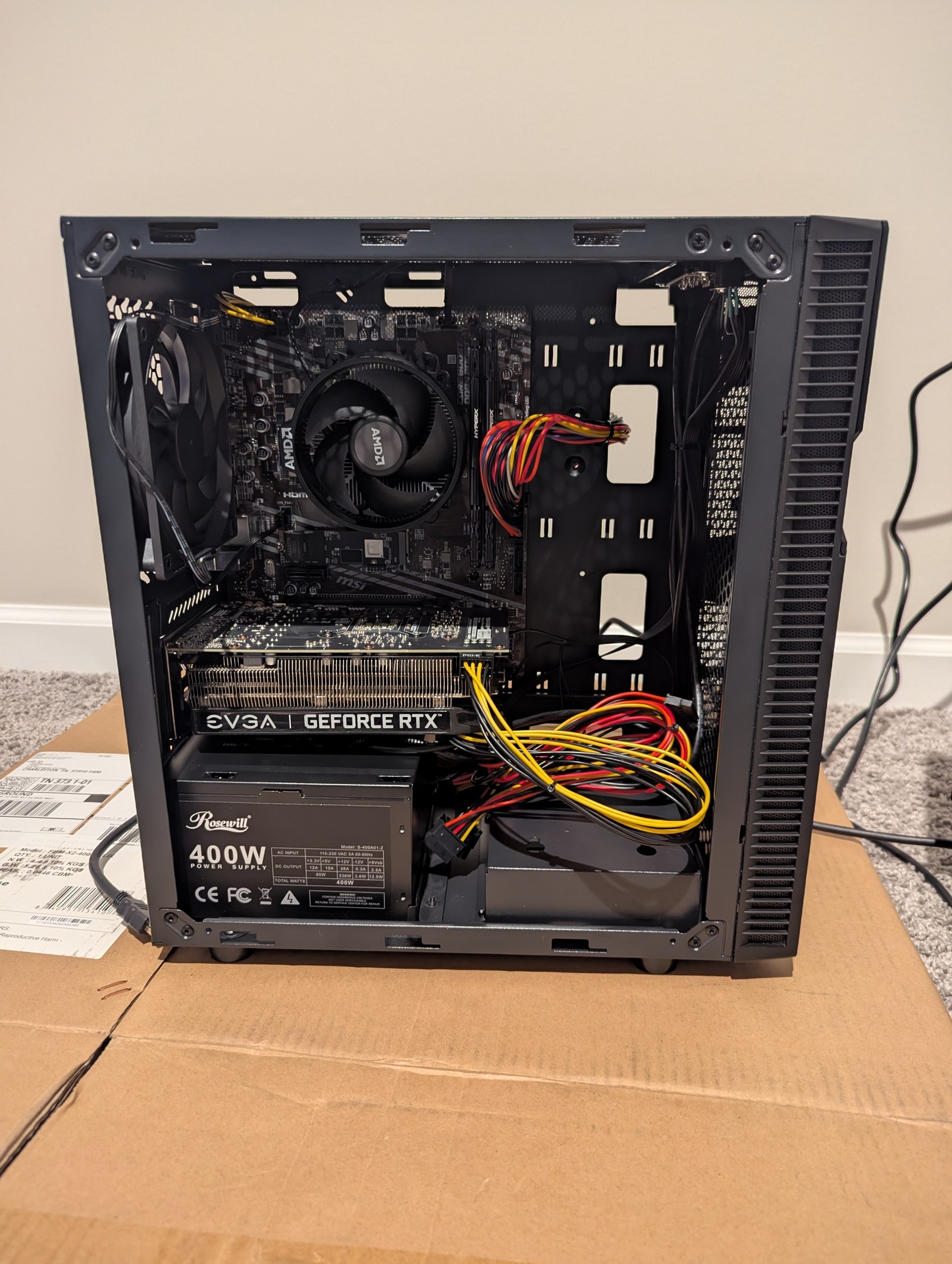
I built an 80TB (52.73TB usable) server for GemsOnVHS, a YouTube channel with over 200,000 subscribers. They needed a backup server, so I utilized four 20TB Seagate IronWolf Pro drives and consumer-grade computer parts.

This server runs Proxmox as the base host. It supports multiple services, including TrueNAS for storage, Ubuntu for services like Plex and Nextcloud, and Windows for a familiar OS interface. Additionally, I use Tailscale to connect this server to the user's main Synology server in the office from their home.
-2024

Learn more

2026 - Upgrade

I added 4 more 8tb HDDs for the customer to ​increase the usable compacity to 73.88TiB